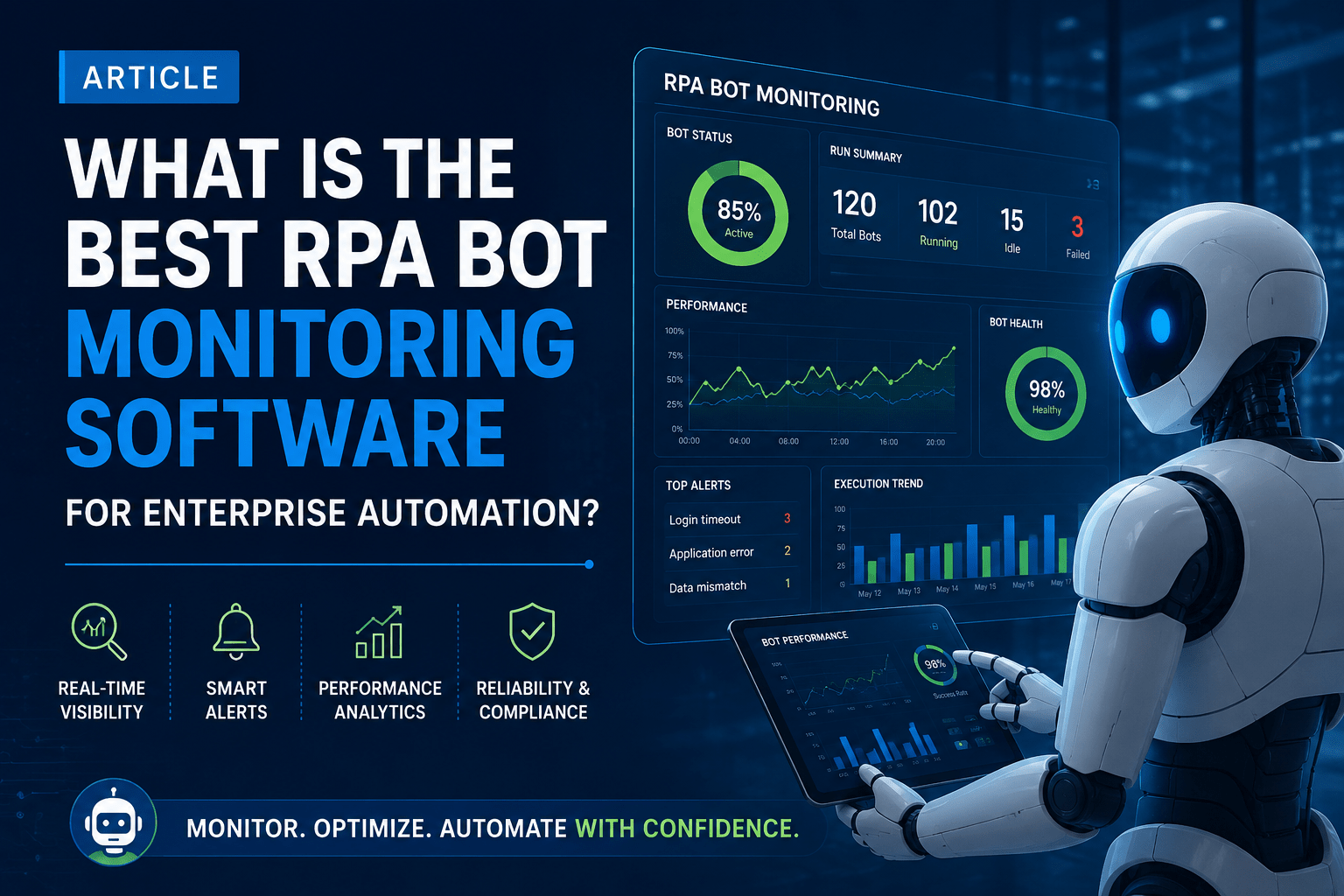
Best RPA Bot Monitoring Software for Enterprise Automation in 2026
Compare the features that matter, avoid the mistakes that force a vendor switch, and learn why proactive bot monitoring has become a board-level priority.
Robotic Process Automation has moved well past the pilot stage. Most enterprises running Microsoft Power Automate, UiPath, Automation Anywhere, or Blue Prism now operate dozens — sometimes hundreds — of bots across finance, HR, procurement, and customer service. But scale brings a new problem: visibility. When a bot silently fails at 2 a.m., nobody notices until an invoice is late, a report is missing, or a customer complaint lands on someone’s desk. This is exactly why choosing the best RPA bot monitoring software has become a board-level priority rather than an IT afterthought.
This guide walks through what RPA bot monitoring software actually does, the features that separate the best RPA bot monitoring software from a basic dashboard, and how to evaluate vendors for your automation stack in 2026. Demand for it isn’t slowing down either — the global RPA market carried roughly $35 billion in value entering 2026 and is on track for sustained double-digit growth through the next decade, according to recent market growth data, which means the number of bots any given enterprise needs to keep an eye on is only going up.
What Is RPA Bot Monitoring Software?
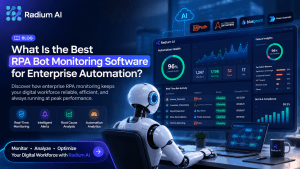
Before comparing options, it helps to define what the best RPA bot monitoring software is actually meant to do. At its core, RPA bot monitoring software is a layer that sits on top of your automation platform and continuously tracks the health, performance, and output of every digital worker in your environment. Instead of manually checking logs across UiPath Orchestrator, Power Automate admin center, Automation Anywhere Control Room, or Blue Prism’s control room separately, a unified monitoring tool gives you a single pane of glass across all of them.
At a basic level, this means knowing whether a bot ran, whether it completed successfully, and how long it took. The best RPA bot monitoring software goes several steps further — flagging anomalies before they become outages, correlating failures with root causes, and triggering automated remediation without waiting for a human to log in.
Why Proactive Bot Monitoring Matters
Reactive monitoring — finding out a bot failed because a business user complained — is expensive in ways that don’t always show up on a dashboard. A failed invoice-processing bot can delay vendor payments and damage supplier relationships. A broken HR onboarding bot can leave a new hire without system access on day one. A silent failure in a compliance reporting bot can turn into a regulatory problem weeks later.
Proactive RPA bot monitoring software changes this equation. Instead of discovering failures downstream, teams get real-time alerts the moment a bot deviates from expected behavior — whether that’s a longer-than-normal runtime, an unexpected exception, or a drop in successful transaction volume. This is where capabilities like RPA Bot Failure Management become critical: failures are caught, categorized, and routed to the right owner automatically, rather than sitting unnoticed in an error log.
Core Features of the Best RPA Bot Monitoring Software
Not all monitoring tools are built the same. When evaluating options, enterprises should look for the following capabilities.
1 Cross-Platform Visibility
Most large organizations don’t run a single RPA platform. It’s common to see UiPath in finance, Automation Anywhere in operations, and Power Automate spreading organically across business units because it’s bundled with Microsoft 365. The best RPA bot monitoring software aggregates bot health data across all four platforms into a single view — no forced standardization required.
2 Real-Time Bot Analytics
Uptime alone doesn’t tell you whether automation is delivering value. Strong Bot Analytics capabilities track transaction volumes, exception rates, processing time trends, and cost-per-transaction over time — turning monitoring into something finance and operations leaders can use to justify continued investment.
3 Root Cause Diagnosis
When a bot fails, “it errored out” isn’t useful information at 3 a.m. The best RPA bot monitoring software correlates failures against application changes, credential expirations, network issues, or data format shifts, so support teams spend minutes diagnosing an issue instead of hours.
4 Auto Resolution and Self-Healing
Auto Resolution capabilities allow the system to restart failed bots, clear stuck queues, or reset expired sessions automatically for known failure patterns — without waking anyone up. High-volume automation teams report a meaningful share of incidents resolved this way before they ever reach a human.
5 A Centralized, Configurable Dashboard
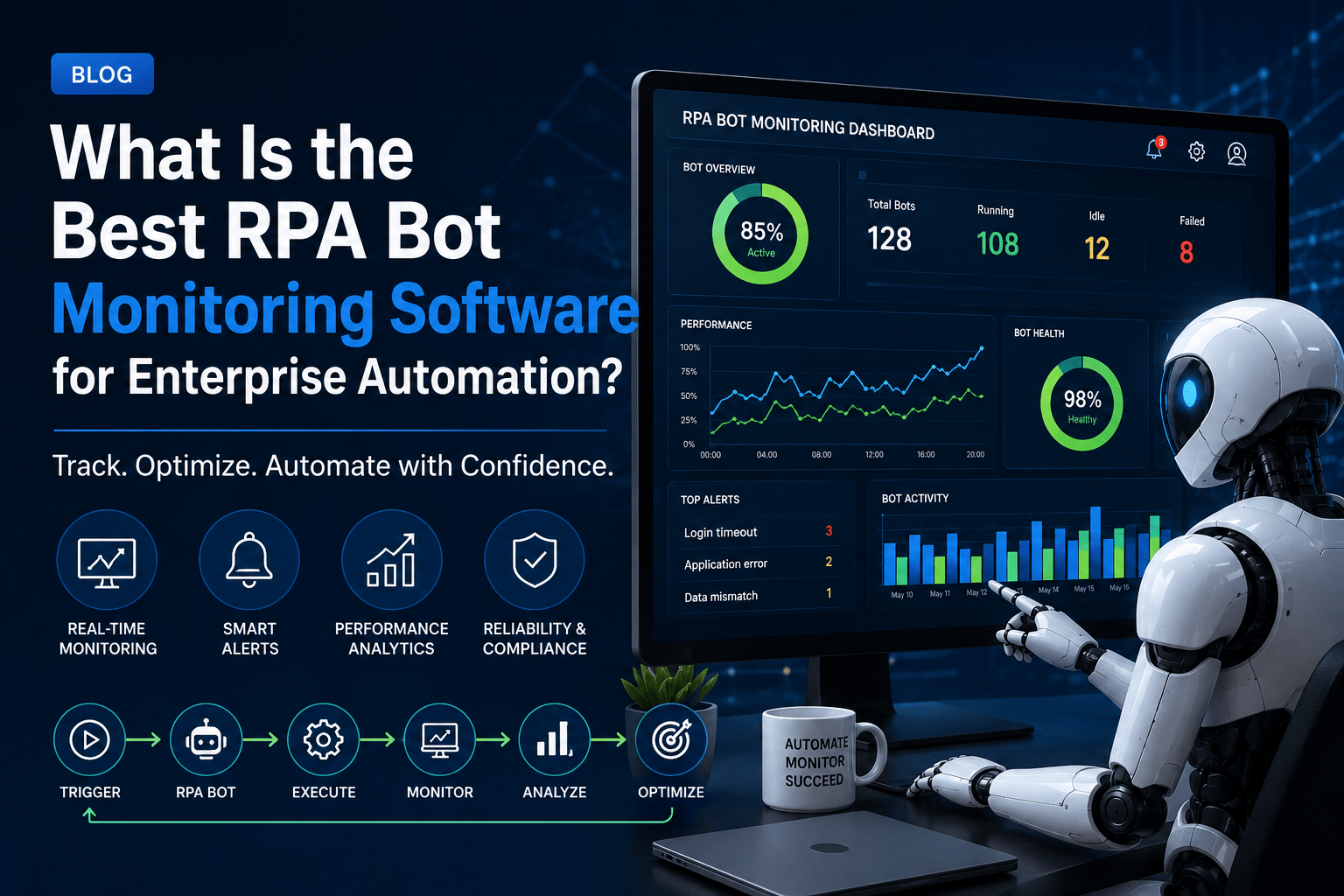
A CFO wants cost and ROI trends. A center of excellence wants exception rates by bot and department. IT operations wants live status and alert queues. A well-designed RPA Monitoring Dashboard lets each audience configure the view that matters to them.
6 Alerting That Doesn’t Create Noise
If every minor exception triggers a notification, teams start ignoring alerts — including the important ones. Look for severity thresholds, escalation paths, and business-hours logic so alerts reach the right person without burying critical failures under routine noise.
7 Security and Credential Monitoring
Bots often run with privileged access to ERP systems, databases, and financial applications. Monitoring software should track credential expiration, flag unusual access patterns, and integrate with your existing identity and access management setup.
8 Scalability Toward Intelligent Automation
RPA monitoring shouldn’t be a dead end. The strongest platforms are a foundation for broader Intelligent Automation — layering in AI-driven anomaly detection, predictive maintenance for bots, and smarter routing of exceptions as your program matures.
How to Evaluate RPA Bot Monitoring Software Vendors
UiPath, Microsoft, and Automation Anywhere were named the leading RPA vendors in Gartner’s most recent market share analysis, so any monitoring tool you shortlist needs to work cleanly across whichever of those platforms — plus Blue Prism — your teams have already standardized on. When comparing vendors, ask a few pointed questions rather than relying on feature checklists alone:
- Does it support your actual RPA stack today, and the one you’ll likely have in two years? A tool tied to a single orchestrator becomes a liability the moment you add a second platform.
- How fast is time-to-detection? Ask for real numbers on how quickly a failure is detected and an alert fired — not just marketing claims.
- What percentage of incidents can be auto-resolved? This is often the single biggest driver of ROI, since it directly reduces manual support burden.
- Can non-technical stakeholders read the dashboard? If only your RPA developers can interpret the data, adoption across the business stays limited.
- How is pricing structured as you scale? Per-bot pricing that’s reasonable at 20 bots can become painful at 200.
- What’s the implementation timeline? Be wary of tools requiring months of custom integration before delivering any visibility.
Common Mistakes When Choosing RPA Monitoring Software
Even teams that know exactly what the best RPA bot monitoring software should do can end up with the wrong tool. A few patterns show up repeatedly in enterprises that switch vendors within the first year:
1. Choosing a tool tied to a single RPA platform — then being unable to extend visibility when another department adopts a second platform.
2. Underestimating alert fatigue — rolling out monitoring with default settings that flood inboxes and get ignored within weeks.
3. Treating monitoring as purely technical — missing the business analytics layer that helps justify continued automation investment.
4. Skipping auto-resolution — leaving support teams manually restarting bots for the same recurring, well-understood failures.
The Business Case for Investing in RPA Bot Monitoring Software
The ROI case for the best RPA bot monitoring software isn’t abstract. Reduced downtime translates directly into fewer missed SLAs, fewer manual workarounds, and more predictable business processes. Faster root cause diagnosis reduces the cost of maintaining an automation program, since support teams spend less time investigating and more time improving. And centralized analytics give automation leaders the evidence they need to expand programs with confidence, rather than defending them reactively after a visible failure.
As automation programs mature and bot counts grow, monitoring stops being optional. It becomes the operational backbone that makes scaling RPA safe.
Frequently Asked Questions
It tracks the health, performance, and output of automation bots across platforms like UiPath, Power Automate, Automation Anywhere, and Blue Prism, alerting teams to failures and helping diagnose root causes quickly.
Native monitoring tools are typically limited to a single platform. Dedicated RPA bot monitoring software aggregates data across multiple platforms into one dashboard and often adds auto-resolution and predictive analytics that native tools don’t offer.
This varies by environment, but organizations moving from reactive to proactive monitoring typically catch and resolve a large share of failures before they affect business users, since issues are flagged and often auto-resolved before anyone downstream notices.
The best RPA bot monitoring software is platform-agnostic and can monitor bots running on UiPath, Power Automate, Automation Anywhere, and Blue Prism simultaneously from a single dashboard.
Start with platform coverage and time-to-detection, since these determine whether the tool will actually catch problems across your full bot fleet quickly enough to matter.
Ready to See It in Action?
Choosing the best RPA bot monitoring software comes down to visibility, speed of resolution, and how well a platform grows with your automation program. See what the best RPA bot monitoring software looks like for your own bot fleet.