AI-POWERED RPA MONITORING

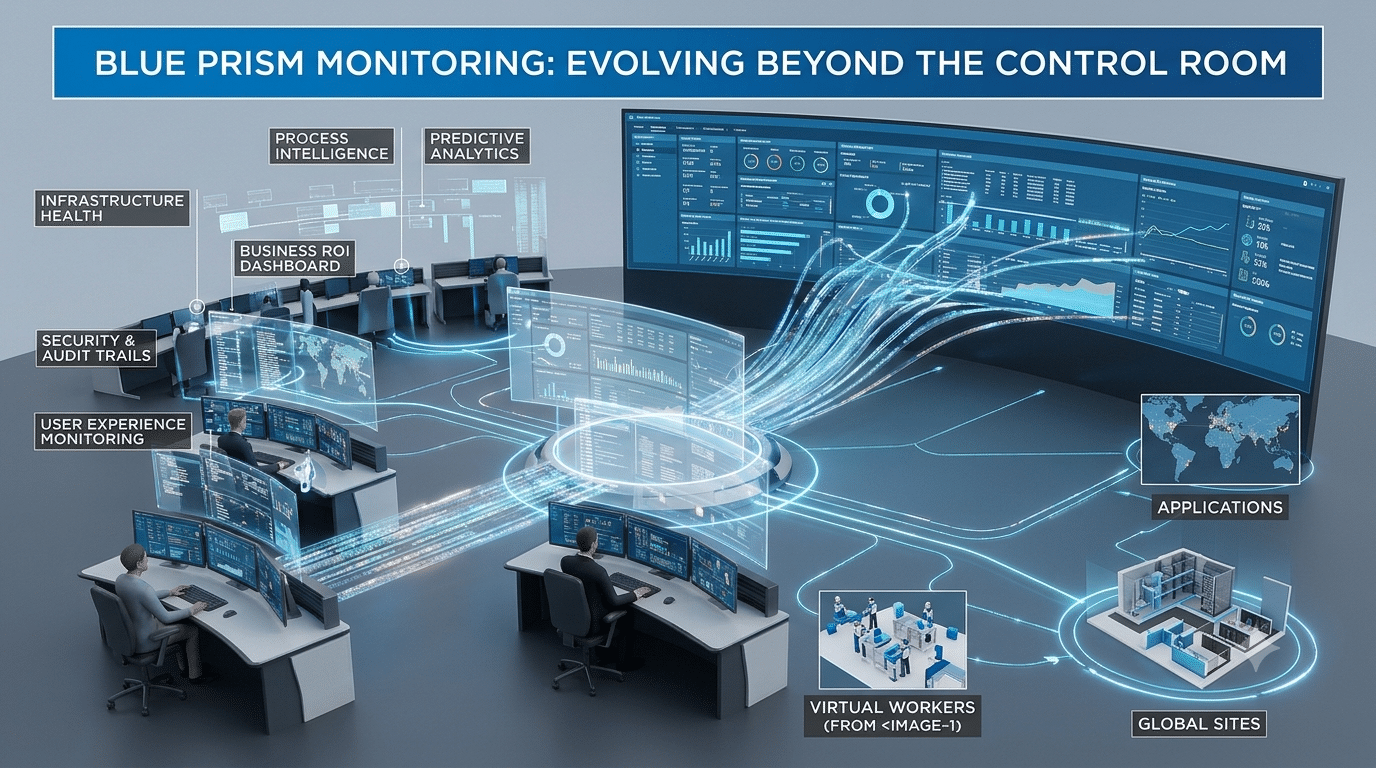
Blue Prism Monitoring That Goes Beyond Control Room

Effective Blue Prism monitoring should do more than show digital worker health. Radium AI reads every session failure, finds the root cause, raises the right ticket and triggers the fix, so your team stops chasing digital workers by hand.

Why Blue Prism Monitoring Needs More Than Control Room

The Control Room plugin in Blue Prism Hub gives you work queues, sessions, schedules and digital worker health. It is a solid view of Blue Prism activity. But a view still needs a person to read it, decide who owns each failure and act. And if you also run other RPA platforms, every one needs its own console.

One platform only

Control Room covers Blue Prism. Teams running several platforms end up switching between consoles.

Watching, not fixing

Dashboards show a failed session, but someone still has to diagnose it, raise a ticket and restart the work.

Slow ownership

Without classification, a failure can bounce between the bot developer, infrastructure and business teams.

How Radium AI Handles Blue Prism Monitoring

Radium AI adds Blue Prism monitoring on top of your environment and turns run data into decisions and actions.

1

Connect and collect

Bot-run details from your Blue Prism environments flow into one central repository, around the clock.

2

Classify the root cause

A machine learning engine reads the error logs, identifies the cause and assigns the right resolver group.

3

Ticket and resolve

Radium raises a ticket in your ITSM tool, such as ServiceNow, and triggers a corrective action from its action library.

What You Get With Blue Prism Monitoring From Radium AI

Everything a support team needs from Blue Prism monitoring to run a growing digital workforce with less manual effort.

24x7 real-time monitoring

Failures are detected as they happen, not when a business user complains.

Root-cause classification

Every error is categorised and routed to the team that can fix it.

Automatic ticketing

Tickets are created with the right details and updated through their life cycle.

Automated corrective actions

Built-in actions such as bot reruns and VM restarts run without waiting for a person.

Low-code action designer

Build reusable fix flows for your own environment and grow the action library over time.

Analytics and reports

Pre-built dashboards and a report designer give support teams and business users clear visibility.

Blue Prism Monitoring: Control Room Alone vs Radium AI

Control Room is a good fit for day-to-day Blue Prism operations. Radium AI works alongside it and adds the Blue Prism monitoring layer of classification, ticketing and automated action.

CapabilityControl Room aloneWith Radium AI
View across Blue Prism, UiPath, Automation Anywhere and Power AutomateBlue Prism onlyOne central view
Root-cause classification and resolver groupManual log reviewAutomatic
Ticket creation in your ITSM toolManual or custom-builtAutomatic
Corrective actions for common failuresCustom processes or scriptsBuilt-in action library

Also running other platforms? See our UiPath bot monitoring and Automation Anywhere monitoring pages.

Blue Prism Monitoring FAQs

Quick answers for automation teams evaluating Blue Prism monitoring with Radium AI.

Does Radium AI replace Blue Prism Control Room?

No. Radium AI works alongside Control Room. It collects run data from your Blue Prism environments and adds classification, ticketing and automated corrective actions on top.

Which Blue Prism failures can be fixed automatically?

Radium AI ships with an action library covering common fixes such as rerunning a bot or restarting a virtual machine. The low-code action designer lets you build further fix flows for your own environment.

Can Radium AI monitor platforms other than Blue Prism?

Yes. Radium AI also supports UiPath, Automation Anywhere and Microsoft Power Automate, so your team gets one view across every platform you run.

How do I get started with Blue Prism monitoring?

Request a demo. Our team will walk through your Blue Prism setup, your ticketing tool and the failures that cost your support team the most time.

See Blue Prism Monitoring Without the Manual Work

Tell us about your digital workforce and we will show how our Blue Prism monitoring would classify, ticket and fix your most common failures.

Prefer to talk first? Contact us.